
- Security Hub
The centre for all things related to keeping your finances and personal information safe.
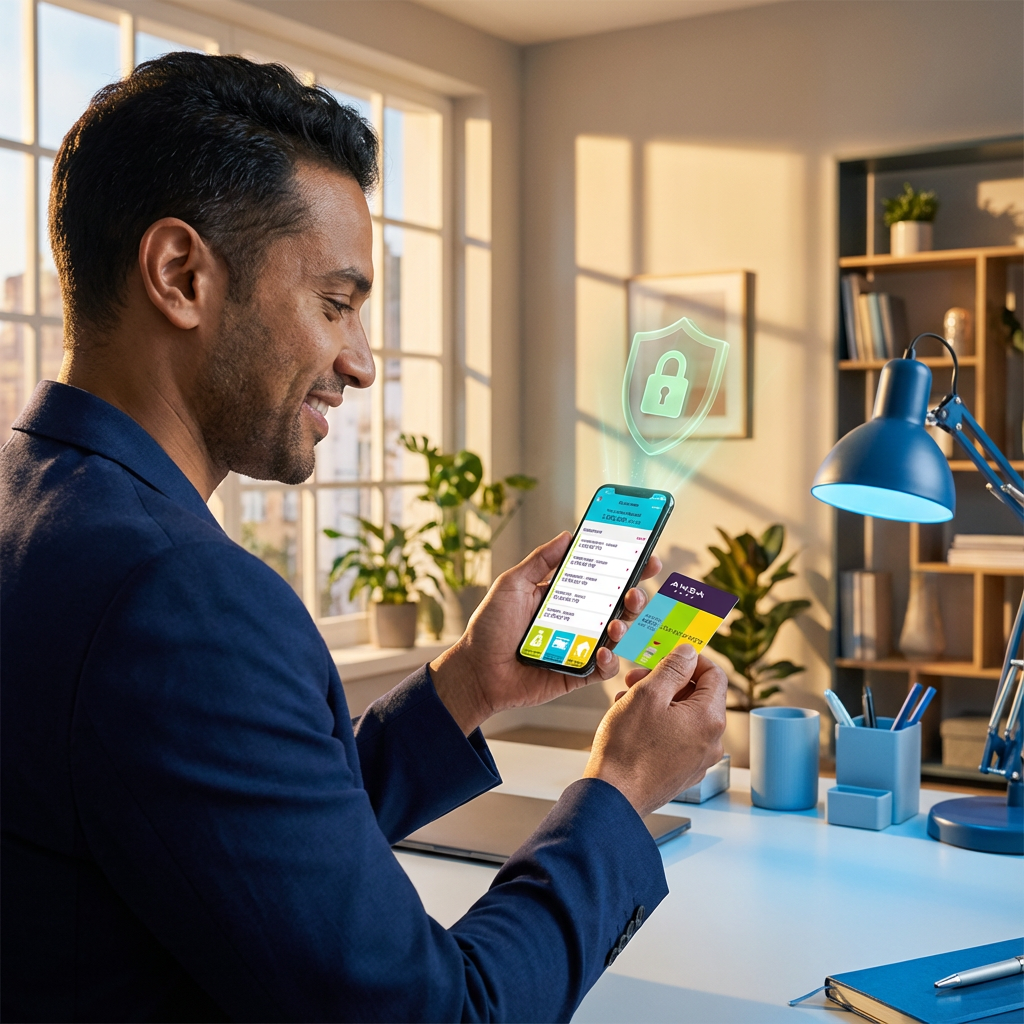

We've compiled essential information, helpful tips, and the latest updates on cybersecurity threats to empower you with the knowledge you need to protect yourself. Whether you're concerned about online scams, want to learn how to secure your accounts, or need to report a suspicious activity, you'll find the resources you need right here.
How ANSA Bank Protects You
At ANSA Bank, we employ a multi-layered approach to security, utilizing the latest technology and best practices to ensure your data remains confidential and protected. Here’s how we keep your information secure:
Personal Identifiable Documentation
We require specific personal identification documents to verify your identity when you open an account. This helps us prevent fraud and ensure that your account remains secure.
Two-Factor Authentication (2FA)
For added security, all online transactions require 2FA. This means that in addition to your password, you’ll need to enter a unique code sent to mobile phone to complete any transaction.
This extra layer of security makes it much harder for unauthorized individuals to access your account.
Account Lock After Failed Attempts
To prevent unauthorized access, your account will be temporarily locked after a certain number of failed login attempts. This helps protect your account from brute- force attacks. You can easily unlock your account by contacting our contact centre.
For your security, we automatically log you out after a period of inactivity and limit the number of devices you can be logged in on at the same time.
Site Encryption and Cookie Usage
We use robust encryption technology to protect your data while it’s in transit between your device and our servers. This ensures that your information remains private and confidential.
We also use cookies to enhance your online experience and provide personalized services. You can manage your cookie preferences through your browser settings.
Contact Centre Availability
If you ever have any questions or concerns about your account security, or if you need help with authentication verification, our dedicated contact centre is available to assist you.
Our trained representatives are ready to help you resolve any security-related issues promptly and efficiently.
How To Protect Yourself
Here are some essential tips to help you stay safe online:
Phishing Protection
Think before you click:
Don’t click on links or attachments in emails from unknown senders. Be wary of emails that urge you to act quickly or offer something that seems too good to be true.
Check the sender’s address:
Look closely at the email address. Phishing emails often use addresses that are like legitimate ones, but with slight variations.
Hover over links:
Before clicking, hover your mouse over the link to see the actual URL. If it looks suspicious or doesn’t match the link text, don’t click it.
Be wary of requests for personal information:
Legitimate organizations will never ask for sensitive information like your password or credit card details via email.
Verify website authenticity:
Look for the padlock icon in the address bar and “https” at the beginning of the URL to ensure the website is secure.
Online Fraud Tips
Use strong passwords:
Create unique, complex passwords for each of your online accounts using a combination of letters, numbers, and symbols.
Be cautious on social media:
Don’t share personal information publicly and be careful about who you connect with.
Shop on secure websites:
Only shop on websites that are known and trusted; look for the padlock icon and “https” in the address bar.
Monitor your accounts regularly:
Check your bank and credit card statements frequently for any unauthorized transactions.
Report suspicious activity:
If you notice anything unusual, report it to your bank or the relevant authorities immediately.
Technical Security (Browsers & Devices)
Keep your browser updated:
Install the latest security updates for your web browser as soon as they become available. These updates often include patches for security vulnerabilities.
Update your operating system:
Regularly install the latest updates for your computer or mobile device’s operating system. These updates often include important security enhancements.
Use security software:
Install reputable antivirus and anti-malware software on your devices and keep it updated.
Use a reputable browser:
Choose a well-known browser with a good track record for security.
Enable security features:
Utilize your browser’s built-in security features, such as pop-up blockers, biometrics, passkeys and phishing filters.
Be mindful of app permissions:
Pay attention to the permissions that apps request and only grant access to the information that the app truly needs.
Your privacy is our priority. We are continuously evaluating and improving our security measures to provide you with a safe and secure online experience.
If you have any questions or feedback regarding our security practices, please don’t hesitate to contact us.
